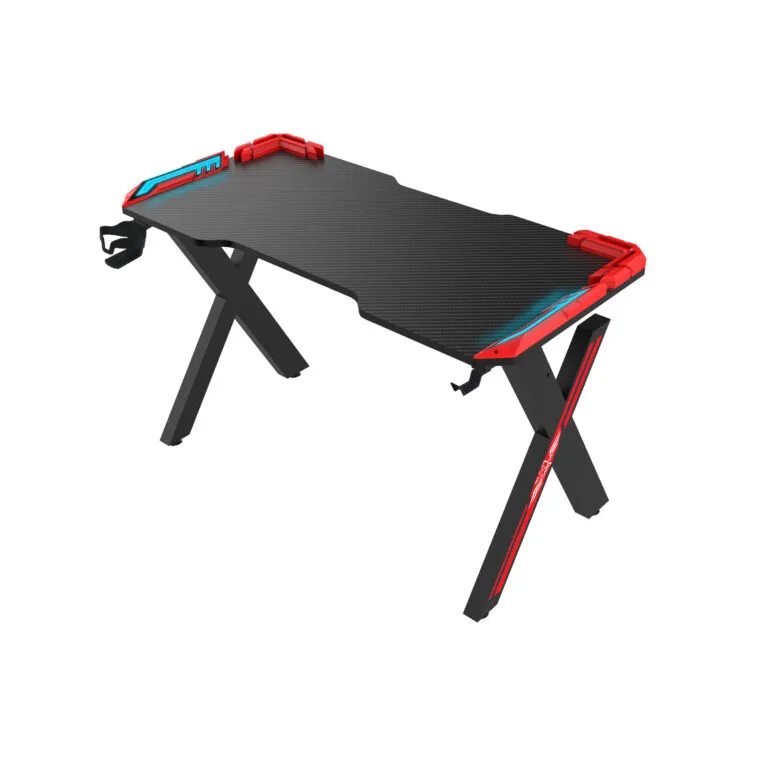
gaming desk monitor arm mounting should be checked against the arm’s installation requirements and the desk’s actual construction. Provide the intended arm model, mounting position and equipment layout before approving a custom desk.
This guide helps brands, distributors and project buyers plan a clear order with a gaming furniture manufacturer. Confirm custom options, minimum quantities and approval requirements for the specific project.
Compare mounting methods
Clamp and grommet mounts require different access and hardware. Identify the method specified by the arm manufacturer and show its intended position on the desktop drawing. Include the number of arms and their expected equipment.
Check the available desktop edge or opening, the stated thickness requirements and the space needed for the hardware. A shaped edge or cable opening may appear suitable in a photograph but fail the actual installation requirements.
Inspect the underside
Show frame members, cable trays, brackets and power accessories on an underside drawing. A clamp needs space to be installed and tightened according to its manufacturer’s instructions. Check whether a wall or partition limits access behind the desk.
Ask the desk manufacturer to review the construction and concentrated load at the proposed position. A general desk load rating does not by itself establish compatibility with a specific clamp. Request confirmation for the complete configuration.
Plan monitor movement and cables
Position the screens in their intended working arrangement and check the space occupied by the arms behind and beside the desk. A dual-monitor setup may require clearance beyond the desktop footprint.
Route cables so connectors remain accessible and movement does not create snagging or excessive tension. For adjustable desks, follow the model’s instructions and review the complete travel range with the equipment installed.
Confirm the sample and order brief
Test the proposed installation on an approved sample using the supplied instructions. Record the desktop revision, arm model, mounting location and any unresolved issues. Do not improvise reinforcement or fasteners without supplier approval.
If the mounting position or desktop changes, ask whether the drawing, packaging or sample review must be revised. Confirm quantities and development charges before placing a small custom batch.
Gaming desk monitor arm mounting checklist
| Mounting check | Information to send |
|---|---|
| Arm | Model and manufacturer requirements |
| Desktop | Construction, thickness and mounting location |
| Underside | Frame and tray clearance |
| Equipment | Screen arrangement and cable routing |
| Approval | Sample and drawing revision |
Frequently asked questions
Can a monitor arm clamp to every gaming desk?
No. The arm and desk requirements must be checked for the specific mounting position.
Is a desk load rating enough?
No. Ask the manufacturer about the concentrated mounting load and relevant configuration.
Can a mounting hole be customized?
Ask the supplier to review the location, support, quantities and any sample requirements.
Read our dual-monitor layout guide. Explore the Strong Hand gaming desk range and send your configuration and initial quantities for a quotation.