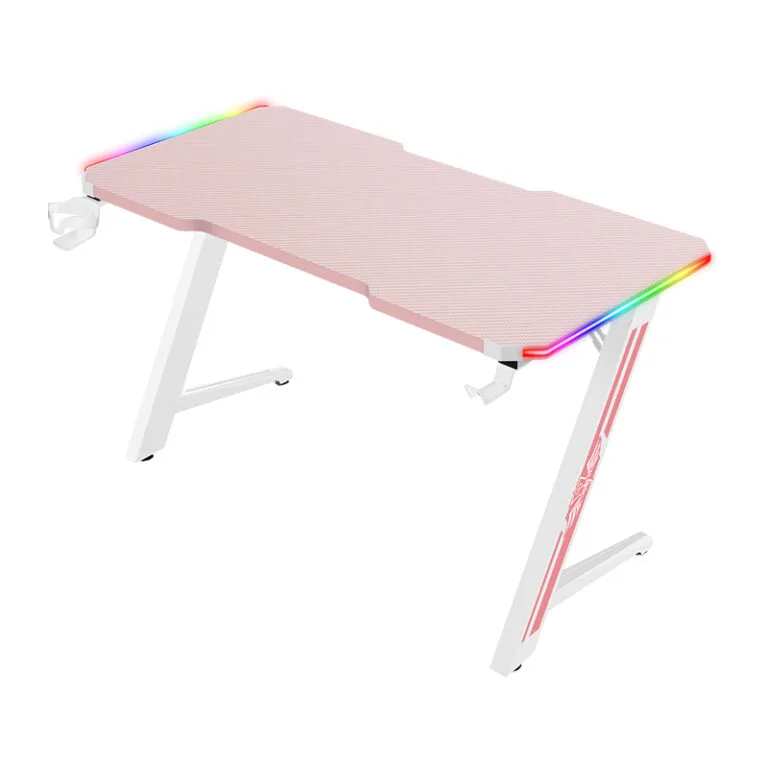
A corner gaming desk order should define the orientation with a drawing, not only the words left or right. Record both desktop sections, the seated position, frame layout and equipment locations before comparing quotations or approving a custom configuration.
This guide helps brands, distributors and project buyers prepare a clear order with a gaming furniture manufacturer. Confirm available options, minimum quantities and approval requirements for the specific project.
Draw the corner gaming desk from above
Use a top-view sketch and label the main working edge, return section and intended seated position. Mark which side the return occupies from the user’s viewpoint. Ask the supplier to confirm the same drawing in its quotation.
Show the room constraints, including walls, doors, fixed furniture and access behind the desk. The outside footprint does not tell the buyer how much usable working depth or leg space remains once the frame and accessories are installed.
Measure the complete equipment layout
Place the intended monitors, keyboard, mouse area and PC on the sketch. Include monitor stands or arm mounting points. A longer return does not automatically provide useful space if equipment or a frame member blocks the position where it is needed.
Check the inside corner and the connection between desktop sections. Confirm how cable openings, edges and any height difference are handled. Review these details on a sample rather than relying on a photograph taken from a favorable angle.
Separate reversible and fixed configurations
Ask whether the design is reversible, offered as separate left and right models, or available in only one orientation. These are different product claims. Confirm the actual parts and instructions needed for each approved arrangement.
For custom dimensions or mounting positions, request a drawing revision and quantity per configuration. A shared product name should not hide different hardware packs, packaging or assembly steps. Keep each variant clearly identified in the order.
Review assembly and carton identification
Ask how the two sections are supported and joined in the supplied assembly sequence. Have an unfamiliar reviewer follow the guide and record unclear orientation or fastener steps. Use the manufacturer’s instructions for the specific design.
If several cartons make one desk, define matching labels for the complete set. Mark left and right variants clearly for warehouse receiving and customer delivery. Retain the approved parts list and packed arrangement with the sample record.
Corner gaming desk checklist
| Corner desk detail | What to record |
|---|---|
| Orientation | Top-view sketch with seated viewpoint |
| Footprint | Dimensions of both sections and clearances |
| Equipment | Screen, input-device and PC positions |
| Variants | Quantity and parts per approved arrangement |
| Delivery | Carton-set and configuration identifiers |
Frequently asked questions
Are all corner gaming desks reversible?
No. Confirm whether the specific model supports both arrangements and what parts or instructions are needed.
How should left and right be defined?
Use a labeled top-view drawing that shows the seated position and the return side.
Can a corner desktop be customized?
Ask the supplier to confirm frame support, joints, mounting, packaging and minimum quantities for the proposed dimensions.
Continue with our custom desk specification guide. Explore the Strong Hand gaming desk range and send your configuration and initial quantities for a quotation.