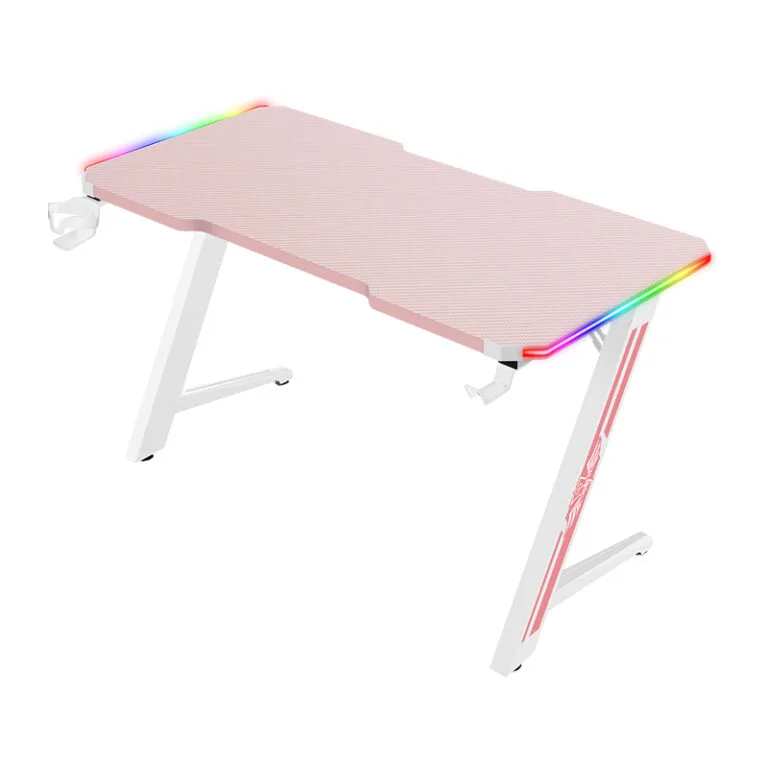
A compact gaming desk should be sized around the complete setup, not simply made as narrow as possible. Measure the equipment, usable input-device area and room clearances before asking a manufacturer to reduce the desktop or frame.
This guide is for brands, distributors and esports projects working with a gaming furniture manufacturer. Confirm custom options, minimum quantities and approval requirements for the specific configuration.
Draw the compact gaming desk setup
Mark the monitor stand, keyboard, mouse area and PC position on a top-view drawing. Add speakers, microphone bases and other equipment that will actually occupy the surface. Screen diagonal measurements alone cannot establish how much desk space the setup needs.
Use a paper or tape layout at full size to review the proposed arrangement. Check where the user sits and how the chair approaches the desk. A small external footprint can still leave an awkward working area if equipment blocks the intended position.
Check depth and mounting clearance
Review usable depth after allowing for screen stands, rear cable connections and any raised shelf. A monitor arm may free desktop space, but its clamp or mount needs compatible construction and clearance beneath the top.
Ask the manufacturer to show the frame, crossbars and trays on the underside drawing. Reducing the desk width or depth may create new conflicts between these parts. Confirm the complete configuration rather than assuming a smaller top fits an unchanged frame.
Choose accessories for the available space
Identify which accessories solve a specific setup problem. A headphone hook or tray can help organize equipment, but its placement must allow chair movement and access. Keep decorative additions separate from essential requirements in the quotation brief.
For a private-label range, list included and optional accessories by configuration. Request minimum quantities and setup charges for changed parts or finishes. An overall pilot quantity does not automatically cover every proposed variant.
Approve the small configuration physically
Review a sample with the intended equipment and mounting method. Check assembly access, cable routing and the final usable surface. Record the drawing revision and any accepted exceptions before releasing production.
Also confirm the actual packed dimensions and carton arrangement. A smaller assembled desk does not by itself establish a particular freight saving. Request logistics quotations using supplier-confirmed packing data for the final configuration.
Compact gaming desk checklist
| Review area | What to record |
|---|---|
| Equipment | Real footprints and mounting methods |
| Working area | Clear keyboard and mouse space |
| Underside | Frame, tray and clamp clearances |
| Customization | Changes and quantity per variant |
| Shipping | Confirmed carton dimensions and weights |
Frequently asked questions
Is there one ideal compact gaming desk size?
No. Base the dimensions on the equipment, intended use and available room.
Will a monitor arm always save space?
It can reduce the stand footprint, but mounting and rear movement still require clearance.
Can a small model be customized in low quantities?
Ask the manufacturer to confirm the design changes, minimums and setup costs for the actual configuration.
Read our equipment layout guide for the related planning step. Explore the Strong Hand gaming desk range and send your configuration and initial quantities for a quotation.