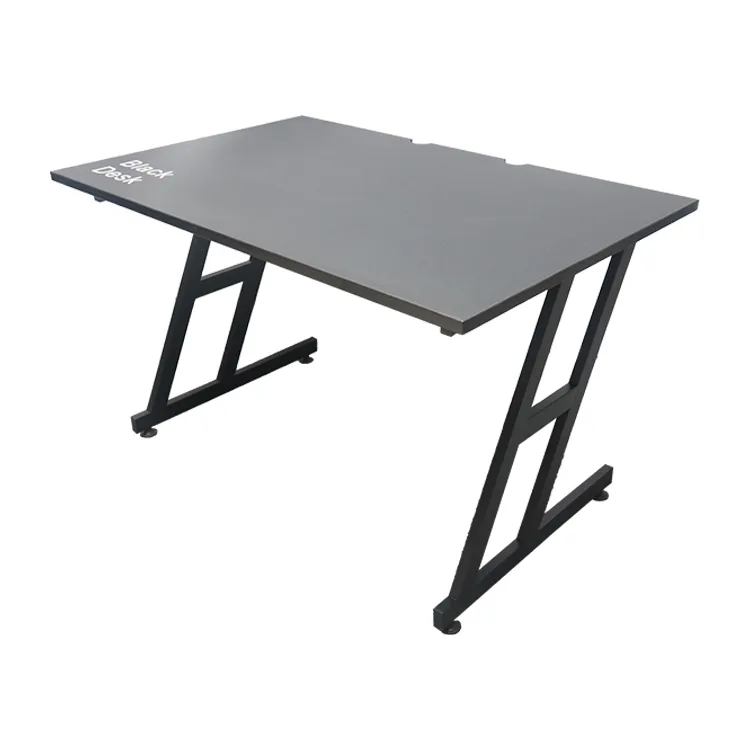
An RGB gaming desk specification should identify the lighting arrangement, controls and supplied power accessories alongside the desktop and frame. Review the complete sample before using a lighting photograph as the basis for a custom or bulk order.
This guide is for brands, distributors and esports projects working with a gaming furniture manufacturer. Confirm custom options, minimum quantities and approval requirements for the specific configuration.
Define the RGB gaming desk package
Record the location of the lights, controller and cables on a drawing. State what is supplied with the desk and which demonstration equipment is excluded. If several versions are offered, identify the lighting package for each variant.
Ask the manufacturer to describe the available control functions and connection requirements for the specific model. Do not infer app support, synchronization or device compatibility from the words RGB or LED alone.
Review placement in a realistic setup
Check the lights with the intended monitor and equipment arrangement. Inspect whether brackets, shelves or cables obstruct the light placement or access to controls. Use representative room conditions when reviewing the appearance.
Product photographs can show a selected effect under staged conditions. Approve a physical sample and record the functions and visible details you accept. Keep marketing copy tied to those confirmed features rather than a broad visual impression.
Confirm power components and documentation
Request identification of the supplied controller, connectors and power accessories. Ask the supplier which documentation applies to the exact configuration and destination brief. Keep unresolved requirements visible before approving production.
Follow the model-specific installation and operating instructions. Avoid substituting accessories or inventing connection instructions. The support team should have part references and a clear process for reporting an issue with the supplied lighting package.
Plan customization and replacement access
A changed desktop shape, logo location or tray may affect lighting placement and cable routing. Ask the manufacturer to review these changes together and state any revised quantities, development costs or sample requirements.
Inspect how the lighting components are protected in the carton and reached after assembly. Keep the approved packing, manual and parts list connected to the product revision so a future reorder or replacement request refers to the correct package.
RGB gaming desk checklist
| Lighting detail | Confirmation needed |
|---|---|
| Layout | Light, controller and cable positions |
| Functions | Model-specific control features |
| Included items | Supplied power accessories and exclusions |
| Documentation | Applicable instructions and component references |
| Approval | Physical sample and packing record |
Frequently asked questions
Does RGB mean the desk works with every lighting app?
No. Ask which functions and connections are confirmed for the model.
Should lighting be reviewed before logo customization?
Review both together where logo or desktop changes affect component placement.
Can the lighting package change between orders?
Confirm the current parts and specification revision before reordering.
Read our branding and artwork approval guide for the related planning step. Explore the Strong Hand gaming desk range and send your configuration and initial quantities for a quotation.